Layer-based editing
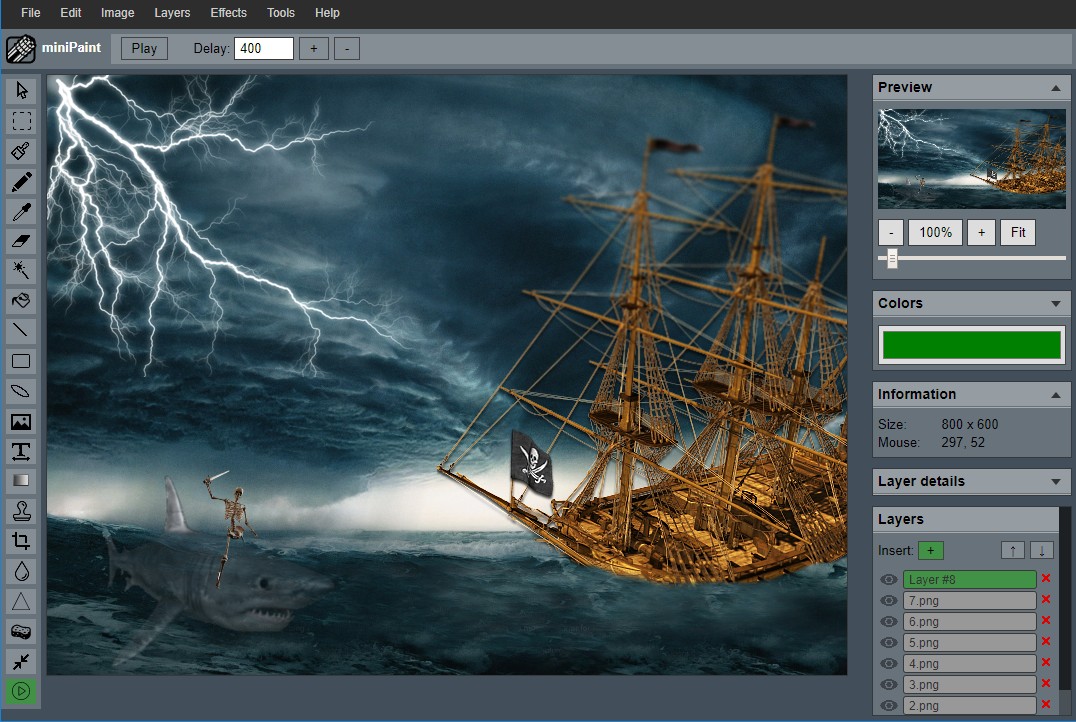
Build non-destructive compositions with multiple image, text, shape and drawing layers.
Free · Private · No sign-up
LumiPixel is a capable online photo editor with layers, filters, drawing, text, crop and resize tools. Your images stay on your device.
Everything you need
Build non-destructive compositions with multiple image, text, shape and drawing layers.
Crop photos, change canvas size, rotate, flip and export at the dimensions you need.
Fine-tune brightness, contrast, color and sharpness or apply creative effects in seconds.
Add typography, shapes, pencil strokes, gradients, fills and custom brush work.
Use clone, blur, sharpen, magic eraser and selection tools for detailed edits.
Save finished work as PNG, JPEG, WebP or a layered project you can continue later.
Privacy by design
Editing is performed locally with browser technology. Your photos are not uploaded for processing. We collect only privacy-friendly, aggregated traffic metrics to understand site usage.
Three simple steps
Common questions
Yes. The editor is free to use, requires no account and adds no watermark to exported images.
No. Your images are processed locally in the browser. The server never receives the photos you edit.
Recent versions of Chrome, Edge, Firefox, Safari and other modern browsers with HTML5 Canvas support.
Open the editor and start working—no download or registration.
Open LumiPixel editor